Progrogramming
Basics
Lesson 9
How Humans and Computers Communicate
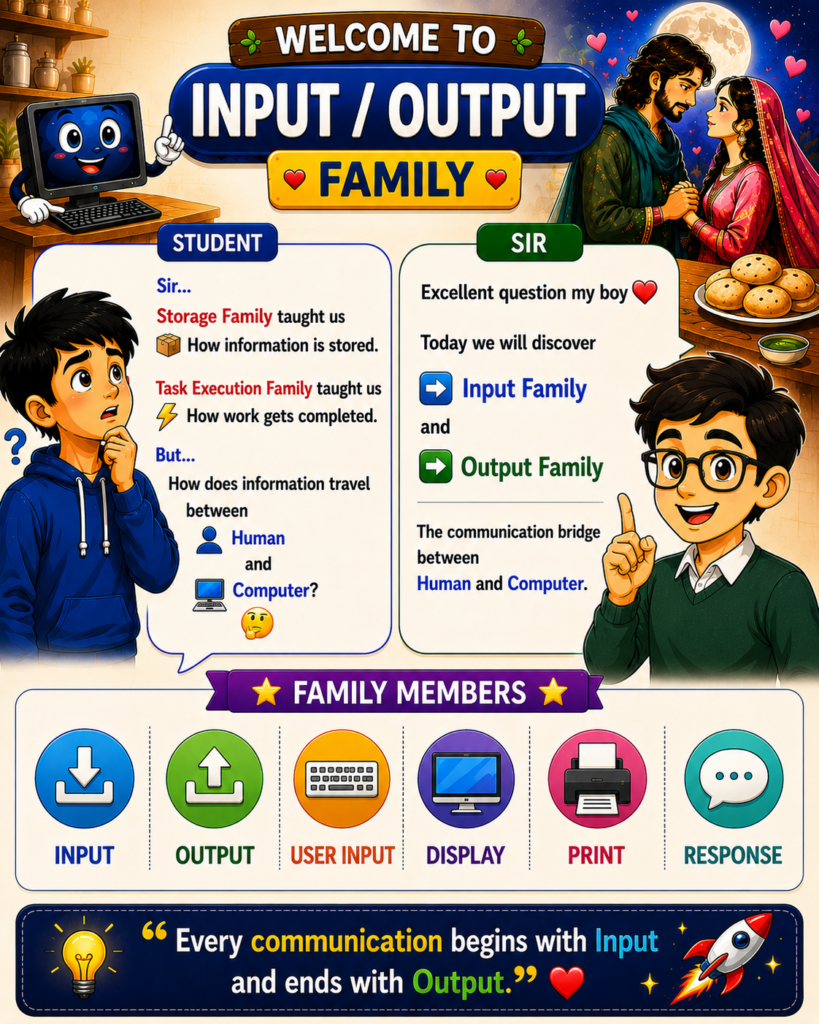
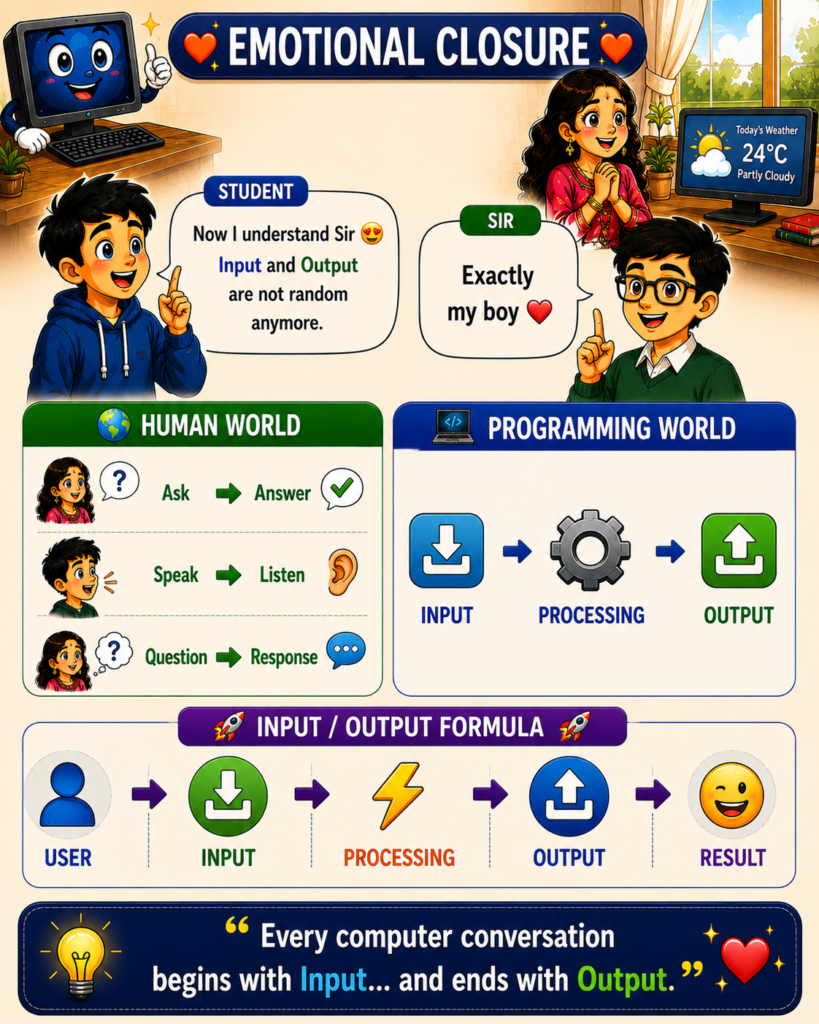
Every computer conversation begins with Input and ends with Output.
🤔 Why This Matters
In the Storage Family, we learned how information is stored.
In the Task Execution Family, we learned how work gets completed.
But one important question still remains:
How does information travel between humans and computers?
When you:
 Type a message
 Search on Google
 Play a song
 Check the weather
 Ask ChatGPT a question
You are actually having a conversation with a computer.
Just like human conversations have speaking and listening, computers also have their own communication process.
This communication world is called the Input / Output Family.
⸻
Think about a simple conversation.
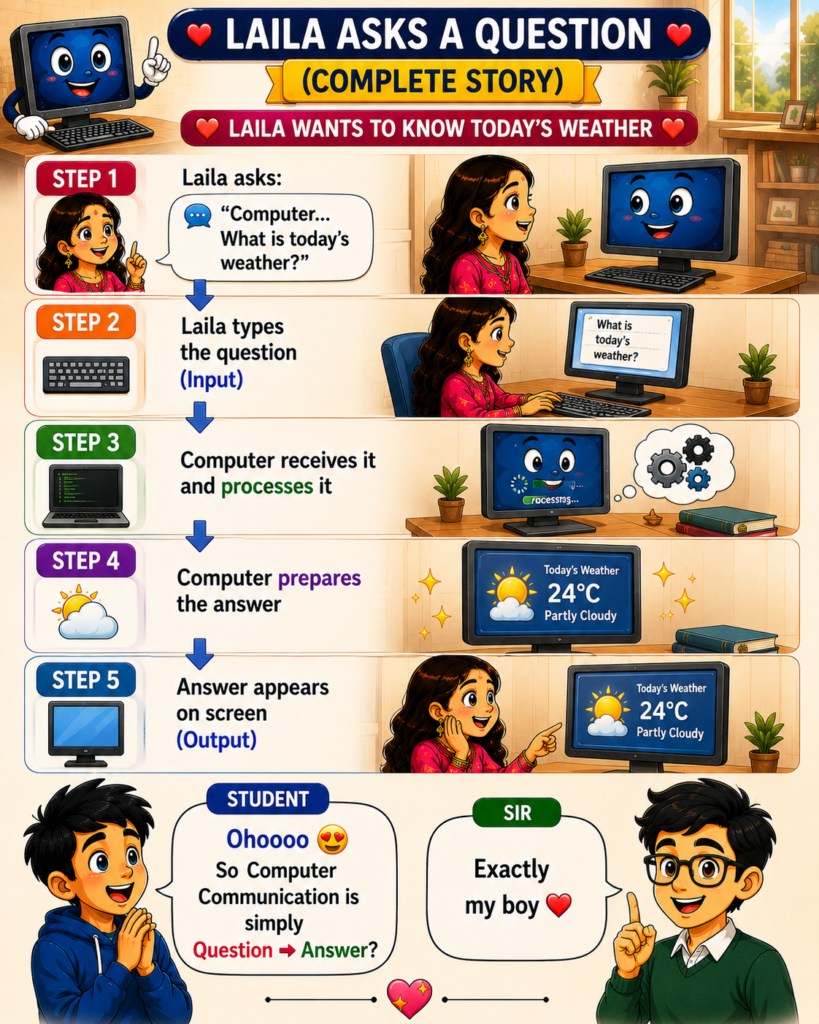
 Laila asks:
“What is today’s weather?”
 Majnu listens.
 Majnu thinks.
 Majnu answers.
Every conversation follows:
Question → Processing → Answer
Computers follow exactly the same pattern.
⸻
 Input
Input
Input is information sent to the computer.
Input answers:
 What information is entering the system?
Examples:
Keyboard
 Mouse
Mouse
 Microphone
 Camera
 Touch Screen
 User Input
Without Input, the computer has nothing to work on.
⸻
 Output
Output is information returned by the computer.
Output answers:
What information is leaving the system?
Examples:
 Display
 Printer
 Speaker
 Reports
Messages
Notifications
Output is the computer’s reply.
⸻
User Input
User Input is the specific information entered by a person.
Examples:
 Typing a Name
 Searching a Topic
 Writing an Email
 Entering a Password
Asking for Weather
Example:
“What is today’s weather?”
This question becomes User Input.
⸻
Input Device
Input Devices are tools used to send information to the computer.
Examples:
Keyboard
Mouse
Microphone
Camera
Touch Screen
 Scanner
Think of them as the computer’s ears.
They help the computer receive information.
⸻
 Processing
Processing is the computer’s thinking phase.
After receiving input, the computer:
 Accepts information
Analyzes information
Searches data
Calculates results
Prepares an answer
This stage is invisible to the user but is the most important part of communication.
⸻
Display
Display is the most common output method.
Examples:
Mobile Screen
 Laptop Screen
Monitor
 Smart TV
When the weather answer appears on the screen, Display is performing the output job.
⸻
Print
Print creates a physical copy of information.
Examples:
 Reports
 Bills
Bills
 Tickets
 Documents
Instead of showing output on screen, the computer sends output to paper.
⸻
Response
Response is the final answer returned to the user.
Examples:
Weather Information
 Bank Balance
Email Confirmation
 Order Status
ChatGPT Answer
The response is the outcome of the entire communication process.
⸻
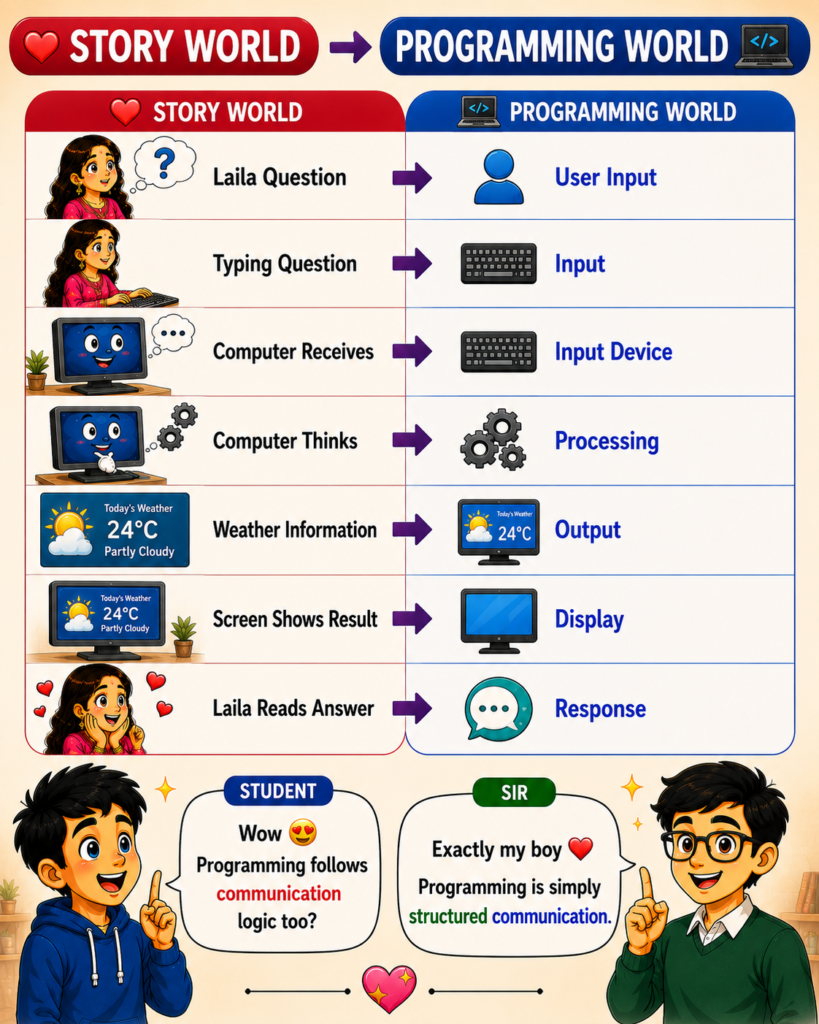
 Real-World Story Mapping
Laila Wants To Know Today’s Weather
Laila asks a question
 User Input
Laila types the question
Input
Keyboard receives it
Input Device
Computer thinks
Processing
Weather information prepared
Output
Screen shows answer
Display
 Laila reads answer
Response
⸻
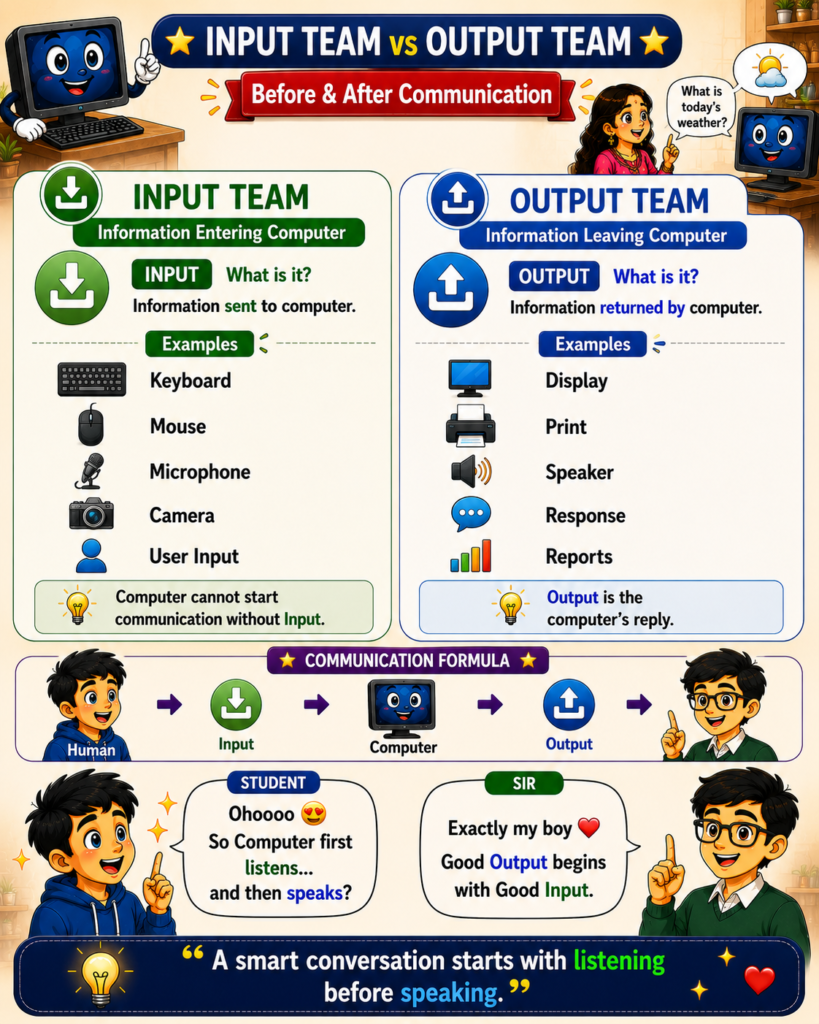
 Input Team vs Output Team
Input Team (Information Entering)
Keyboard
Mouse
Microphone
Camera
User Input
Purpose:
Send information into the computer
⸻
Output Team (Information Leaving)
Display
Printer
Speaker
Response
Reports
Purpose:
Return information to the user
⸻
 Communication Formula
Every computer conversation follows:
User
Input
Processing
Output
Result
⸻
 Human World vs Programming World
Human World
 Ask
Ask
Answer
 Speak
Speak
 Listen
 Question
Response
⸻
Programming World
Input
Processing
Output
Programming is simply structured communication.