Progrogramming
Basics
- Introduction
- Why Computers Were Invented?
- How Computers Work?
- What Can a Computer Actually Do?
- Programming Languages
- Programming Terminology
- Programming Terminology Grouping
- Storage Family
- Task Execution Family
- Input & Output Family
- Decision Family
- Repetition Family
- Collection Family
- Object-Oriented Programming (OOP)
- Access & Security Fundamentals
- Understanding Errors and Exception Handling
- How Applications Communicate Using APIs
- Understanding Databases
- Understanding Web and App Flow
- Understanding File Systems
- Understanding the Development Process
- Understanding Team Collaboration
- Understanding Software Performance
- Understanding the Mobile App Ecosystem
- How Websites Reach Your Screen
- How Computers Learn Like Humans
- Why Some Programming Terms Appear Everywhere
Lesson 11
How Computers Repeat Work Automatically
The fascinating journey from repetitive human work to automated computer loops.
🤔 Why This Matters
Many tasks in life are not difficult because they are complex.
They are difficult because they must be repeated many times.
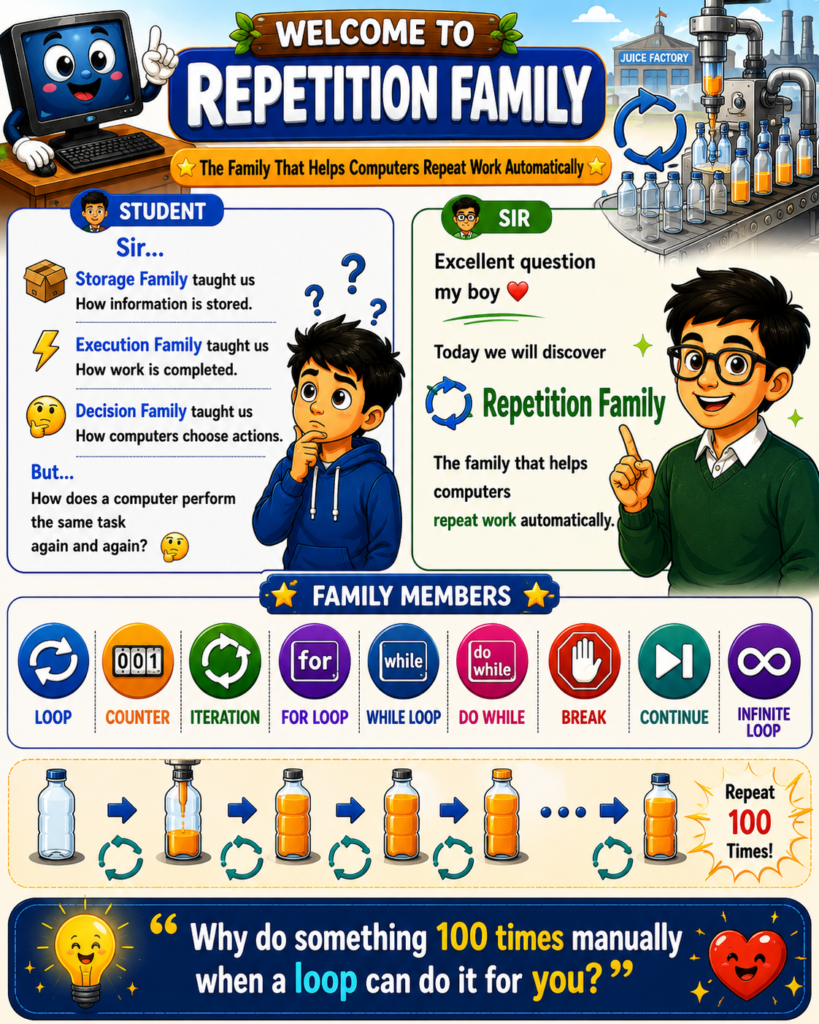
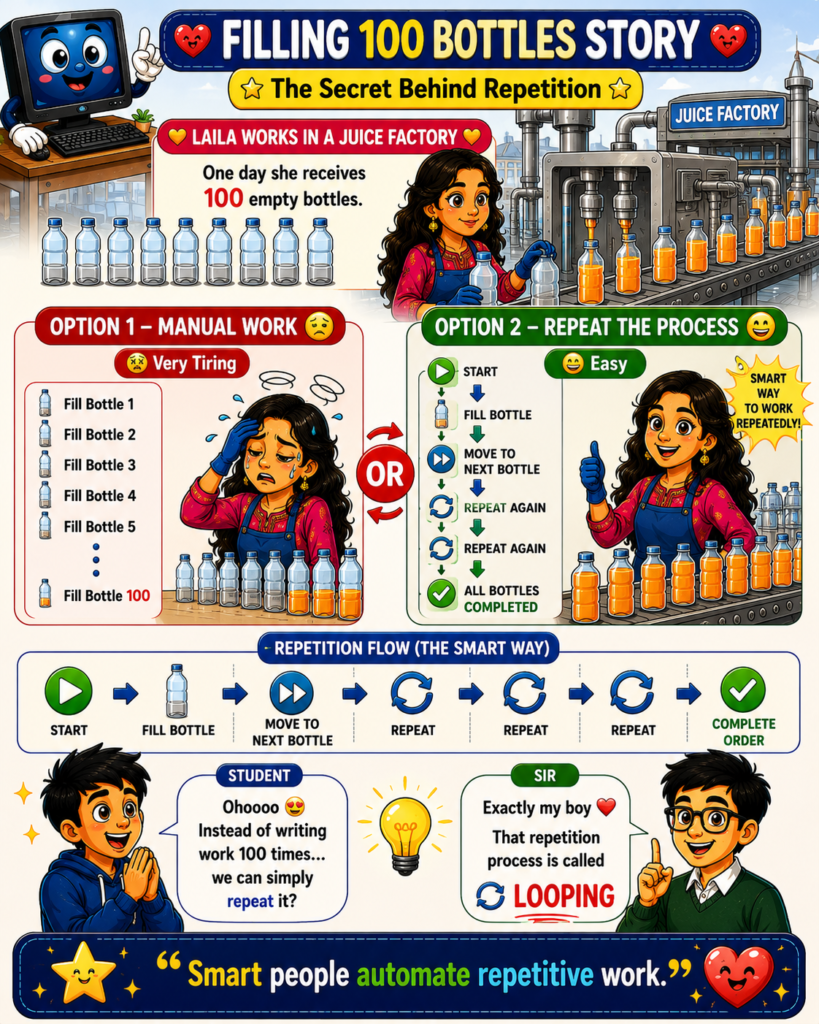
🏭 Imagine a worker in a juice factory receiving 100 empty bottles.
The task is simple:
🧃 Fill bottle
➡️ Move to next bottle
➡️ Fill again
➡️ Repeat until all bottles are completed
Doing this manually 100 times is tiring, slow, and error-prone.
Humans naturally look for smarter ways to avoid repeating the same instructions over and over again.
💡 Instead of writing the same action 100 times, we simply describe the process once and repeat it automatically.
Computers work exactly the same way.
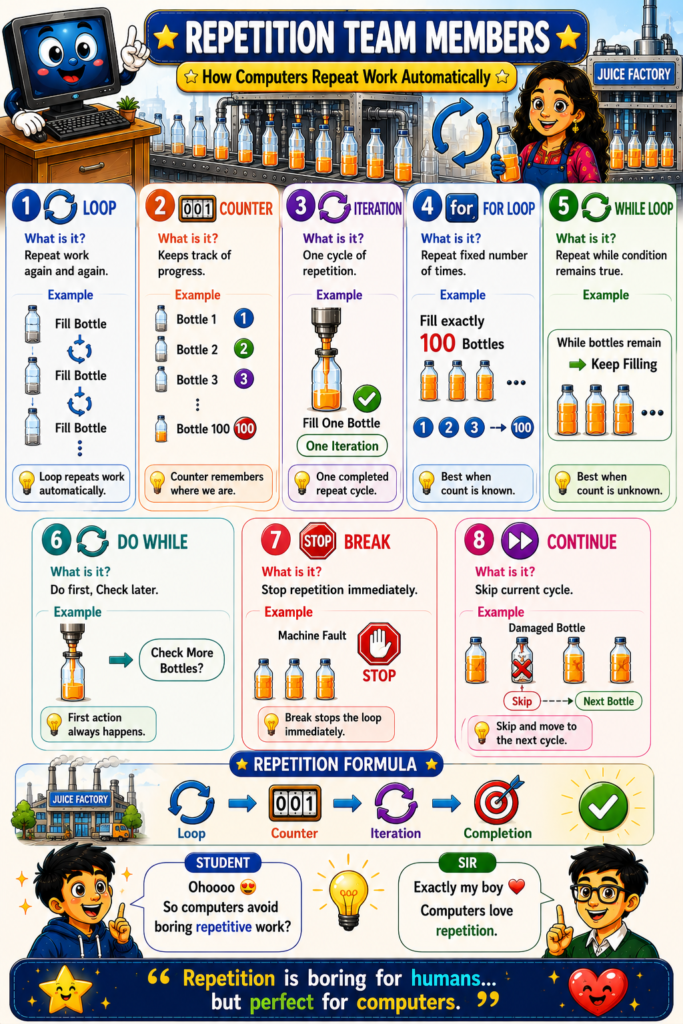
💻 In programming, repetitive work is handled using the Repetition Family.
The Repetition Family allows a computer to perform the same task repeatedly without rewriting the same instructions.
For example:
🧃 Fill Bottle
➡️ Repeat
➡️ Repeat
➡️ Repeat
➡️ Complete Order
This concept is called a Loop.
To support different repetition scenarios, programming languages provide several repetition tools:
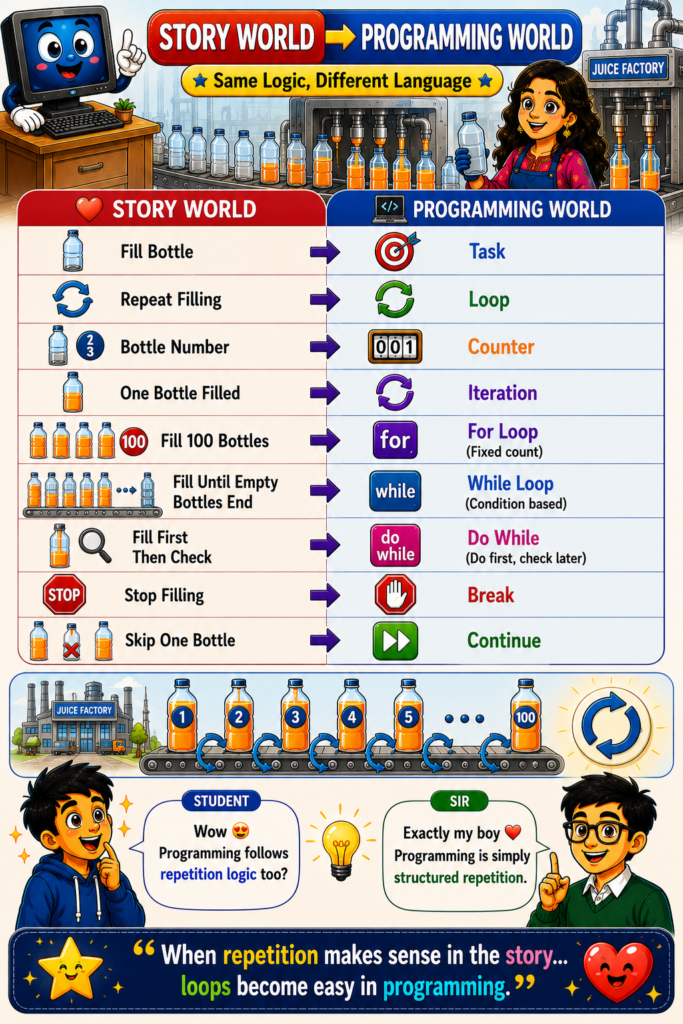
🔄 Loop
🔢 Counter
🔁 Iteration
🟣 For Loop
🔵 While Loop
🟢 Do While Loop
🛑 Break
⏭️ Continue
These tools allow computers to automate repetitive work efficiently and accurately.
🚀 Without repetition, software would become extremely large because developers would need to write the same instructions again and again.
The Repetition Family makes programs shorter, cleaner, faster, and more powerful.
Remember Forever ❤️
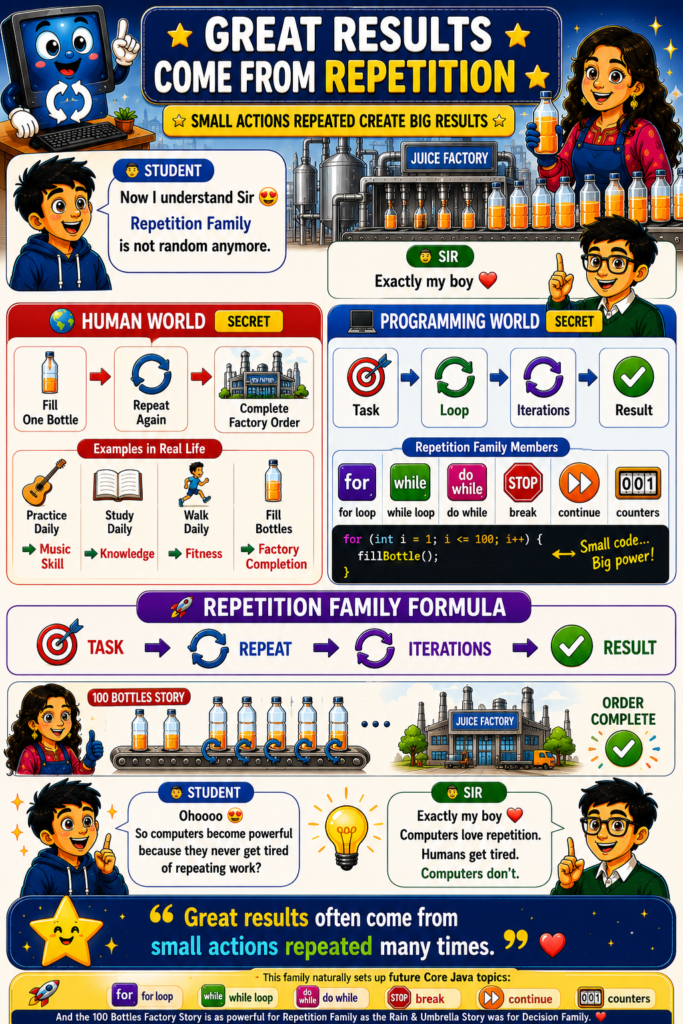
Computers love repetition.
Humans get tired.
Computers do not.
Every repetition follows a simple formula:
🎯 Task
➡️ 🔄 Repeat
➡️ 🔁 Iterations
➡️ ✅ Result
Examples:
🏭 Fill One Bottle
➡️ Repeat 100 Times
➡️ Complete Factory Order
⸻
🎸 Practice Daily
➡️ Repeat Learning
➡️ Music Skill Improves
⸻
📚 Study Daily
➡️ Repeat Reading
➡️ Knowledge Grows
⸻
🏃 Walk Daily
➡️ Repeat Exercise
➡️ Fitness Improves
⸻
💻 Programming follows the same principle:
Repeat small actions many times
➡️ Produce large results
🌟 Great results often come from small actions repeated consistently.
📌 Lesson Summary
• 🔄 A loop allows computers to repeat work automatically.
• 🔢 A counter keeps track of repetition progress.
• 🔁 An iteration represents one complete repeat cycle.
• 🟣 For Loop is best when the number of repetitions is known.
• 🔵 While Loop is best when repetition depends on a condition.
• 🟢 Do While Loop performs the action first and checks the condition later.
• 🛑 Break immediately stops a loop.
• ⏭️ Continue skips the current cycle and moves to the next one.
• 🏭 The 100 Bottles Factory Story demonstrates how repetition works in real life.
• 💻 Programming repetition follows the same logic as repetitive work in the real world.
• 🚀 Repetition helps computers automate boring and repetitive tasks efficiently.
• 🌟 Great results often come from small actions repeated many times.
⸻
❤️ This is another beautiful progression in your RWP universe:
🪨 Storage Family → Information exists
⚡ Task Execution Family → Work gets done
📥📤 Input/Output Family → Communication happens
❓ Decision Family → Computers choose actions
🔄 Repetition Family → Computers repeat actions
The “Rain & Umbrella Story” explains decision making, while the “100 Bottles Factory Story” explains looping. Together they create a very natural bridge into Core Java topics like if, else, switch, for, while, do-while, break, and continue.